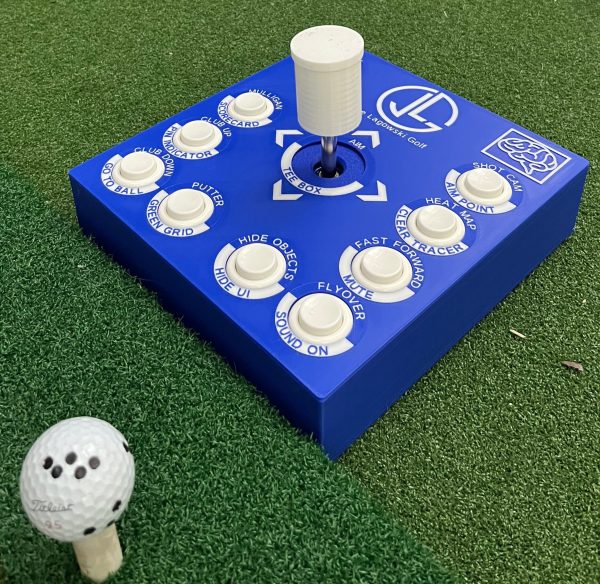
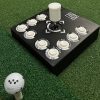
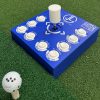
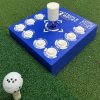
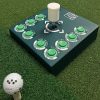
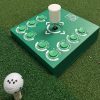


“Brain Box” Golf Simulator Control Box for GSPro

AUD$350.00

⛳ Limited-Time Offer — Save 12%
Take control of GSPro from the hitting area — fully wireless, plug & play, with 18 dedicated controls and joystick navigation.
AUD $350  AUD $308  Save AUD $42
Use code BRAIN12 at checkout • Limited time only

🚀 The Brain Box Just Leveled Up!

🎨 A Fresh New Look

A complete redesign featuring:

  • Bigger, clearer labels

  • Boldly highlighted Normal & Shift functions

  • Cleaner, sharper layout

🔧 Upgrades Now Included as Standard
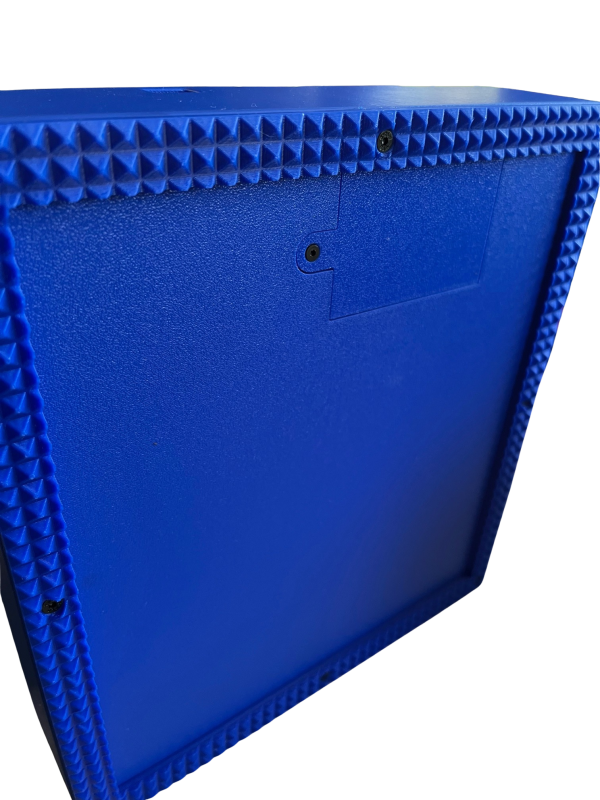
  • 🦶 Non-Slip Plate

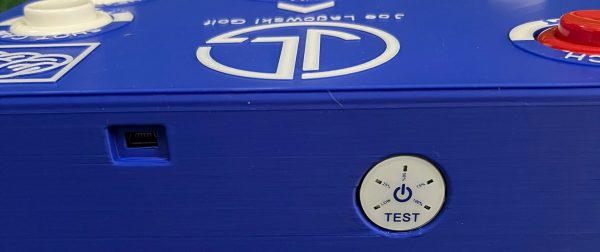
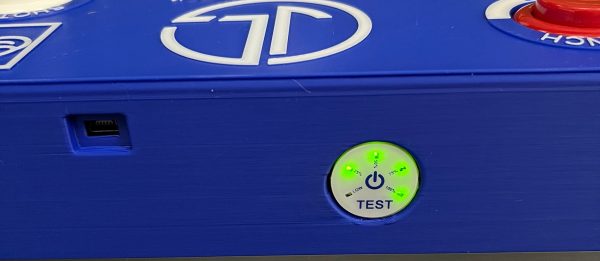
  • 🔋 Integrated Battery Tester


⭐ Sharper. Smarter. Easier to Use.

The new Brain Box is ready for action.


The Brain Box is the most fully featured Golf Simulator Control Box available, is fully wireless and is truly plug and play with no fuss, no hassle setup. It provides 9 primary and 9 secondary functions for a total of 18 GSPro control functions giving you complete control.

New: Free Brain Box Bay Control App

The Brain Box now pairs with our free Windows Bay Control App.

Use the red launch button to start GSPro, launch other sim software, control TAPO smart plugs, control PJLink projectors, arrange windows, and shut your bay down properly.

One button push. Bay on. Hitting balls.


Download the free app

SKU: C3DPD-CBOX Category: Tags: , , , , ,

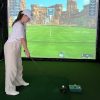
Are you tired of having to use a keyboard to control GSPro, are you tired of walking back and forth to your computer, if you are then the “Brain Box” is the answer. It is completely wireless so no tripping over wires, truly plug and play no additional software needs to be installed or run in the background, and the battery allows months of of hassle free use.

Features:

  • Launch Monitor Independent: Works with any Launch Monitor including the Garmin R10
  • Plug and Play: no additional software needs to be installed or running in the background.
  • Wireless: no tripping over cables.
  • Quick Launch Button: Can be used to launch all the software required for your sim session, e.g. GSPro, mirror applications, connectors, etc.
  • 9 Primary GSPro Functions: Mulligan, Club Up, Club Down, Putter, Heat Map, Shot Cam, Hide Objects, Fast Forward, Flyover.
  • 9 Secondary GSPro Functions: Using the Shift button a second set of functions can be accessed including: Scorecard, Pin Indicator, Fly to Ball, Green Grid, Clear Tracer, Aim Point, Hide UI, Sound Off, Sound On
  • Joystick: Used to aim left, right, up, and down. Using the shift button + joystick left & right allows you to move left & right on the Tee Box
  • Golfleaf Buttons: High quality button using a leaf switch for instant response, smooth and quiet operation as there is no clicking micro-switch.
  • Long Battery Life
  • Stays awake & connected:  unlike other Bluetooth control boxes that go to sleep after a few minutes of non-use to try and conserve battery life, the Brain Box will stay connected until the PC is shutdown or restarted.
  • Battery Tester: shows current battery charge state, Low, 25%, 50%, 75%, and 100%
  • High Quality 3D Printed Box
  • High Quality Components
  • *Pairs with our free Windows Bay Control App: One push of the red Launch button. Bay on. Hitting balls.

Included in box:

  • Brain Box Golf Simulation Control Box
  • Battery
  • Charging Cable
  • Quick Start Guide
  • Additional custom joystick knob to make joystick control with a club easier
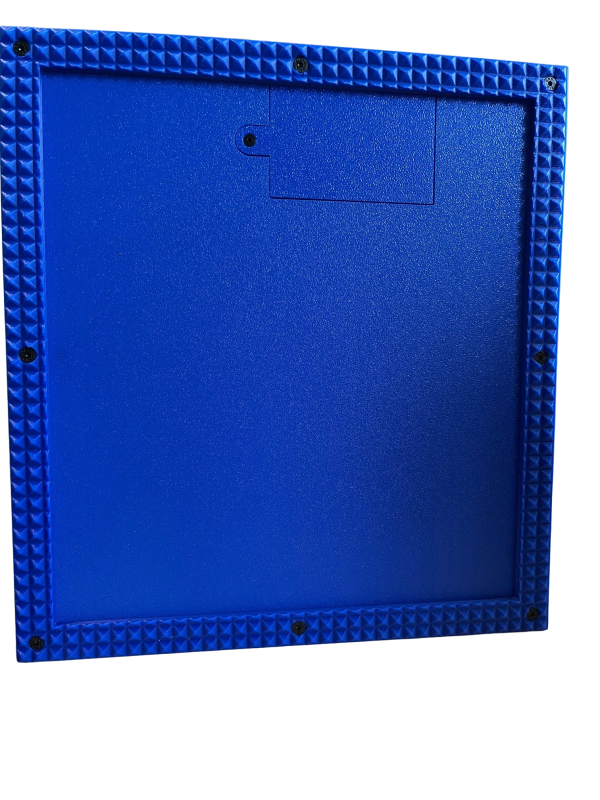
  • Non-slip plate
  • Battery tester

*** Please note you will need to have Bluetooth on your PC, either via Bluetooth on the motherboard or via a USB Bluetooth adaptor ***

Shipping:

We currently ship to selected countries, if your country is not on the list of countries, please send an email to info@cascadia3dpd.com and we will send you a shipping quote.

International Shipping Times:

Economy Air: Estimate 15 + Business days. Some countries can take a little longer

Express: Estimate 3-10 Business days Tracked and signature required

Please note: the boxes are 3D printed so there may be slight imperfections and variation in color.

Reviews:

No More Keyboards: Transforming Golf Sim with the Brain Box Controller!

Weight 1.5 kg
Dimensions 32 × 24 × 16 cm
Colour

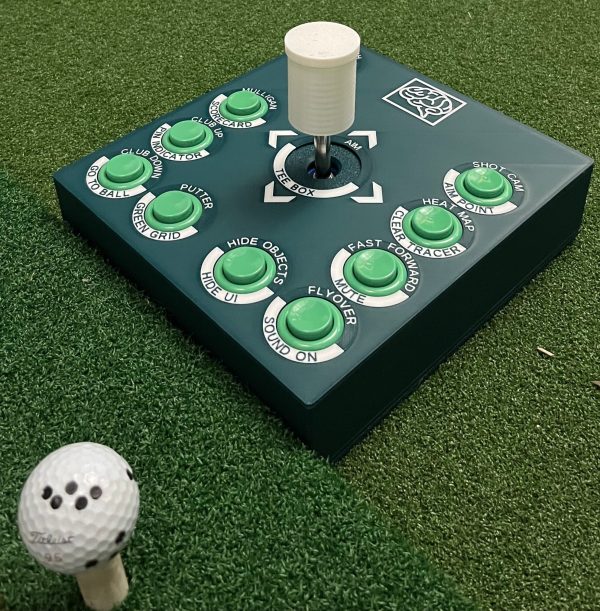
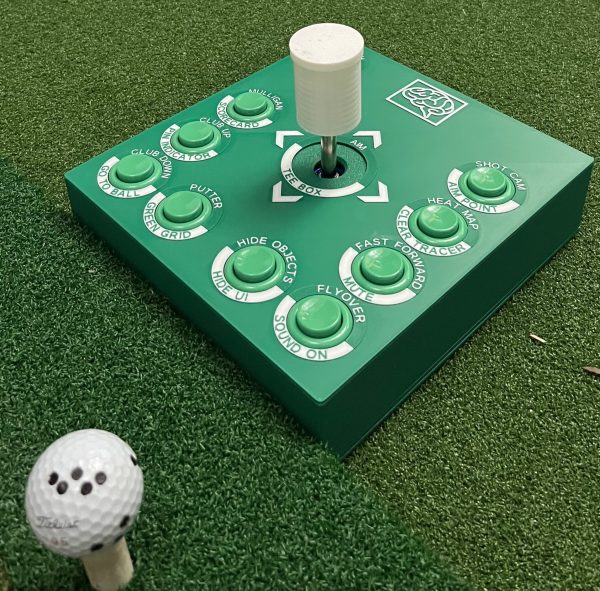
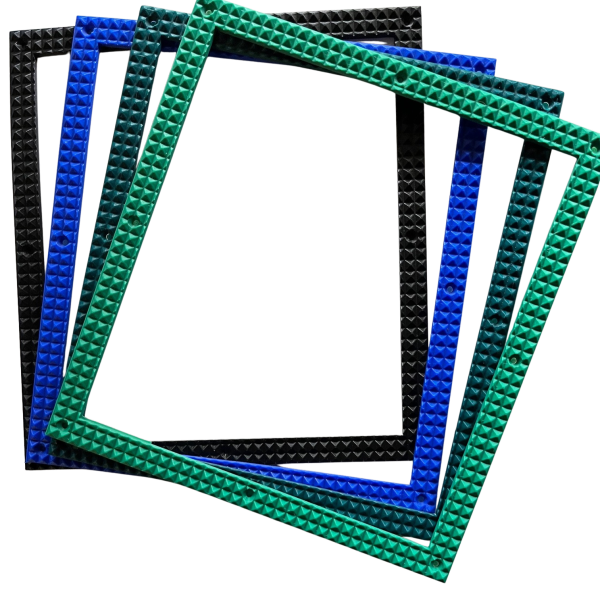
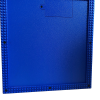
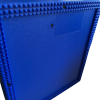
Light Green, Triple Bogey Blue, Green, Joe Lagowski Blue, Black

Reviews

There are no reviews yet.

Only logged in customers who have purchased this product may leave a review.

Brain box is very easy to setup as its completely plug & play and requires no additional software to be installed.

Please follow the steps in the setup guide which you can find here

There are a number of key differences when compared to other control boxes on the market which makes the Brain Box unique and sets it apart from the competition:

Quick Launch Button: This button can be used to launch all the software required for your sim session. Sometimes it can be complicated, and time consuming to setup and launch all the required software components required for your sim session. In the case of the MLM2Pro for example you may need to launch the GSPro connector, GSPro, mirror application, and putting application, then connect to these components once they have been launched. For family members it can be overwhelming, now with the Quick Launch Button all they need to do is press a single button to automatically launch all the components and connect to them.

18 GSPro Function Buttons: The Brain Box offers an unprecedented and unmatched 18 GSPro functions including the following primary functions Mulligan, Club Up, Club Down, Putter, Heat Map, Shot Cam, Hide Objects, Fast Forward, Flyover. There are an additional 9 functions available when the buttons are pressed in conjunction with the ‘Shift’ button. The secondary functions are Scorecard, Pin Indicator, Fly to Ball, Green Grid, Clear Tracer, Aim Point, Hide UI, Sound Off, Sound On.

Joystick: Not only does it offer 18 function buttons but uses a Joystick for aiming left, right, up, and down.

Long Battery Life: no need to constantly charge the Brain Box as it will last for weeks and even months on a single charge.

Stays awake & connected:  unlike other Bluetooth control boxes that go to sleep after a few minutes of nonuse to try and conserve battery life, the Brain Box will stay connected until the PC is shutdown or restarted. This prevents you losing connection mid game because you’ve not used it for a few minutes.

Golfleaf Buttons: It uses high quality buttons using a leaf switch for instant response, smooth, and quiet operation as there is no clicking micro-switch.

Price: the Brain Box is one of the least expensive wireless control boxes on the market despite being packed with a ton of features not seen in other control boxes.

It is very easy to setup up the red ‘Launch’ button to launch any application that you like. You simply need to create a Windows shortcut and assign the Ctrl+Alt+C keys as the ‘Shortcut key’.

For more detailed instructions see here.

The MLM2Pro GSPro connector can be automatically started using the red ‘Launch’ button on the Brain Box. Once configure it will automatically start GSPro, mirror application, and putting applications. Once all applications have been started it will perform all the required connections getting you ready to play much faster.

For detailed instructions go here.

The Brain Box has a built in battery tester, pushing it will give you the current battery level via LED’s for Low, 25, 50, 75, 100%

Despite not going to sleep after a short period of non-use the Brain Box offers class leading battery life, you won’t need to recharge for months. When you do need to recharge it will be very quick as it uses rapid charging.

Yes, there are no wires to trip over, you connect it to your PC via Bluetooth. Your PC will need to have built in Bluetooth or you will need a Bluetooth adapter. It is completely Plug & Play so no additional software is required.

Unlike other control boxes that go to sleep after a few minutes of nonuse to try and conserve battery life, the Brain Box will never go to sleep until the PC is shutdown or restarted. To wake up the Bluetooth connection between the Brain Box and the PC after a restart, press any one of the green buttons, after a few seconds the Bluetooth connection should be reestablished, and you should be good to go.

Yes, you are able to reprogram Brain Box to emulate any key press or combination of keys. It does involve some risk, if it is done incorrectly, it can leave your box not operating correctly, so this is done at your own risk. If things do go wrong we can provide you with a button configuration file that you can reload to reset your button mappings.

If you do wish to reprogram the box, please contact us at info@cascadia3dpd.com and we can provide everything you need. We can also 3D print a new set of labels of your choosing, we can provide a quote for this service on request.

To access the secondary set of button functions you need to use the red ‘Shift’ button. Press and hold down the red ‘Shift’ button and at the same time press the other button to execute the secondary function.

If you are pressing buttons but find it’s not working with GSPro, ensure that GSPro is the active top most window. You may have another application active and therefore none of the button functions will be reaching GSPro.